
Buying a laptop is confusing because shops sell you numbers. More cores, more gigabytes, more nits. Most of those numbers do not matter for most people. This guide tells you which ones do, in plain words, so you can buy once and be happy for five years.

Start with how you use it
Ask three questions before you look at any model.
- Where will you use it? If it travels every day, weight and battery come first.
- What is the heaviest thing you do? Writing and browsing need very little. Video editing and games need a lot.
- How long should it last? A laptop you keep for six years is worth more money than one you replace in three.
Size and weight
A 13 or 14-inch laptop at 1.2 to 1.4 kg suits most people. A 16-inch laptop is better for long days at a desk and worse for a backpack. If you carry it daily, every 200 grams matters more than you think in the shop.
Memory and storage
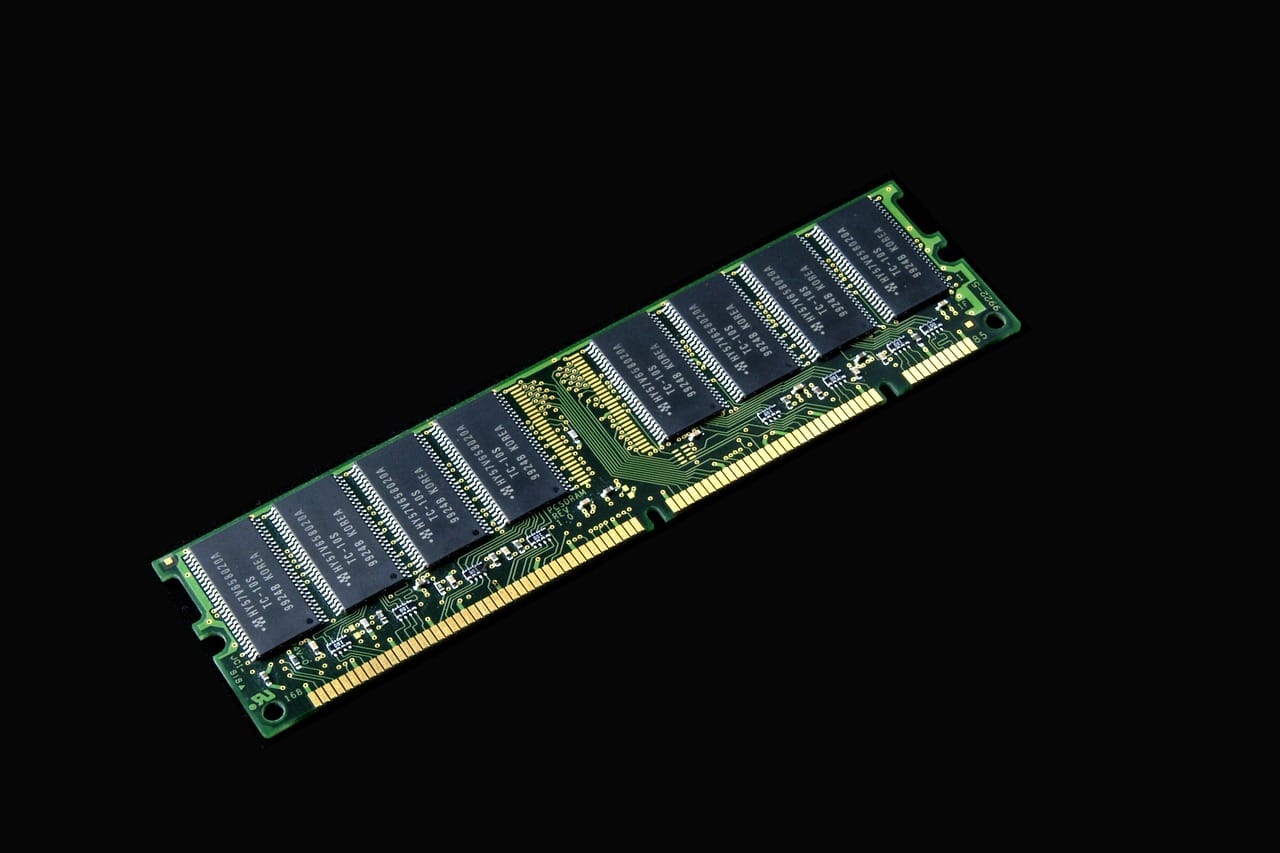
Memory (RAM) decides how many things can be open at once. Buy 16 GB. With 8 GB, a modern browser and a video call already fill it. Buy 32 GB only for video, large photos, virtual machines or local AI.
For storage, 512 GB is the comfortable minimum. Photos and video need 1 TB or an external drive.
The screen
You look at the screen all day, so this is where extra money is well spent. Look for at least 400 nits of brightness, a resolution above Full HD at 14 inches and, if you can, an OLED or mini-LED panel. A matte finish helps near windows.


Battery life
Ignore the number on the box. Read independent tests and look for 10 hours of real use. Chips made for low power now give 15 hours or more and need no fan.
Ports
Two USB-C ports are the minimum: one for power and one for everything else. HDMI and a card reader save you from adapters if you present or take photos.
Processor: less important than you think
Shops lead with the processor because it has a big number. For writing, browsing, video calls and streaming, every current laptop chip is fast enough, and you will not feel the difference between the middle and the top of a range. The chip matters in three cases: long video exports, 3D work and games. If that is you, read reviews that time real tasks, and ignore benchmark scores on the shelf label.
What the chip does change for everyone is heat and battery life. The newest low-power chips run cool and last much longer. A laptop from two generations ago can be just as fast and need its charger by mid-afternoon.
Keyboard, trackpad and webcam
You will touch the keyboard and trackpad thousands of times a day, and no spec sheet describes them. If you can, try the laptop in a shop for five minutes. Type a paragraph. Check that the trackpad clicks evenly and that your palms do not move the pointer. If you cannot try it, read two reviews that mention typing.
For video calls, look for a 1080p webcam. A 720p webcam in 2026 is a sign that the maker saved money in places you cannot see.
New, last year's or refurbished
A refurbished laptop from the maker's own store comes with a new battery, a full warranty and a saving of 15 to 25%. It is often the best value of all. Last year's model on clearance is the next best. Buy the newest model only when it fixes something you care about, such as battery life or a better screen.
A five-minute checklist
- At least 16 GB of memory
- At least 512 GB of storage
- A screen of 400 nits or more, above Full HD
- Ten hours of battery life in an independent test
- Two or more USB-C ports, with charging on either side if possible
- A weight you are happy to carry every day
If a laptop passes all six and fits your budget, buy it and stop reading reviews.
What to skip
- Touch screens on normal laptops: they add glare and cost
- The top chip in any range: the middle one is nearly as fast
- Extended warranties sold at the till: check what your card or the maker already gives you
Should I buy last year's model?
Is a tablet with a keyboard enough?
Our picks
For most people, the Aerobook 14. For creative work, the Strata Studio 16. For a tight budget, look for last year's Aerobook with 16 GB of memory.