
A laptop with no fan should be a compromise. You expect it to be quiet and slow. The Aerobook 14 is quiet and fast, and after a month of writing, editing photos and joining far too many video calls on it, we think it is the best laptop most people can buy.

Design and build
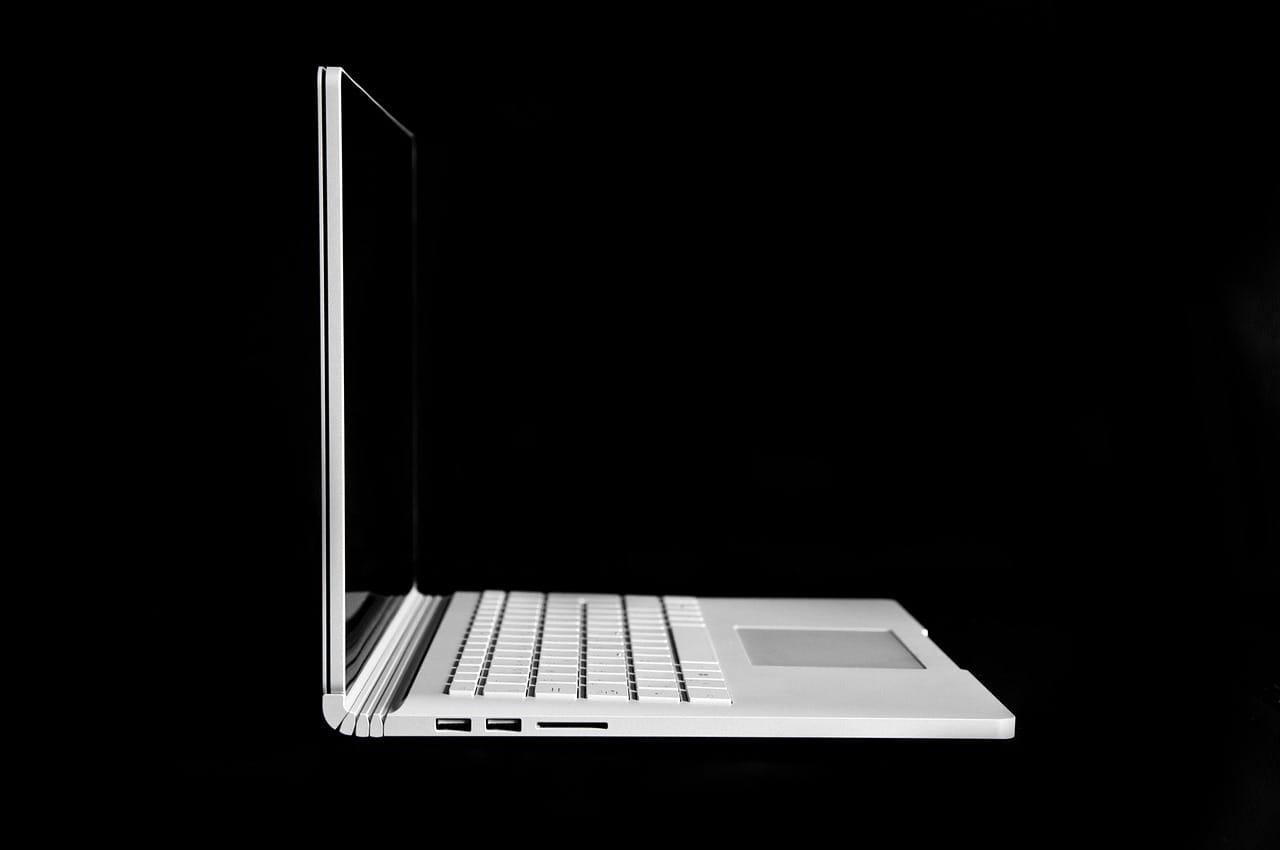
The body is recycled aluminium with a soft, sandblasted finish. It is 11.9 mm thick and weighs 1.19 kg. The lid opens with one finger, and the hinge holds the screen steady on a train table. There is no flex in the keyboard deck and no creak when you pick it up by a corner.
Keyboard and trackpad
The keys have 1.3 mm of travel and a clear, quiet click. After a day you stop noticing the keyboard, which is the best thing we can say about one. The glass trackpad is large and accurate, and it clicks the same way wherever you press.

Display
The 14-inch panel is a 2.8K OLED at 90 Hz. Text is sharp, blacks are true black, and it covers the full P3 colour range, so photo work is realistic. Brightness peaks at 600 nits, fine for a bright café and just enough for a garden table in the shade.
Performance without a fan
The Aero M3 chip is the reason this laptop works. In our tests, it exported a 10-minute 4K video in 6 minutes 12 seconds and did not slow down over a 30-minute stress test. The underside gets warm, never hot. And because there is no fan, there is no noise at all, ever.
I edited a wedding's worth of photos in a library. Nobody looked up.
Kenji Arai

Battery life
We measured 17 hours 20 minutes of web browsing at 200 nits and a full working day with video calls with 35% to spare. The 65 W charger is small, and any USB-C charger of 45 W or more works.
Ports and webcam
Three USB-C ports (two of them Thunderbolt 5) and a headphone jack. There is no HDMI and no card reader, so photographers will need a small adapter. The 1080p webcam is sharp and handles a bright window behind you well.
| Spec | Aerobook 14 |
|---|---|
| Display | 14-inch 2.8K OLED, 90 Hz, 600 nits |
| Chip | Aero M3, 16 GB or 32 GB RAM |
| Storage | 512 GB to 2 TB |
| Battery | 72 Wh, 17 h browsing |
| Ports | 3 × USB-C (2 × Thunderbolt 5), 3.5 mm |
| Weight | 1.19 kg |
A month of real work
We used the Aerobook as our only computer for a month. That meant writing in a browser with thirty tabs open, editing a few hundred RAW photos, cutting two short videos and sitting through about forty hours of video calls. It never slowed down in a way we noticed, and it never made a sound.
The silence changes how a laptop feels. You can work in bed next to someone who is asleep. You can record a voice-over with the laptop on the same desk as the microphone. In a quiet meeting room, yours is no longer the computer that starts to whirr when you share a screen.
The speakers are better than the thin body suggests. Voices are clear and music has some body, although there is little deep bass. The three microphones pick up your voice well and ignore keyboard noise, so you can type notes during a call without apologising.
Living with three ports
The port selection is the main compromise. For a week at a desk, we used one Thunderbolt cable to a monitor, which also charged the laptop and connected a keyboard, a mouse and a drive. That works perfectly. On the road, we missed an SD card reader twice and an HDMI port once, in a meeting room with an old projector. A small adapter in the bag solves both, but it is one more thing to forget.
How it compares
Its nearest rival costs the same, weighs 50 grams more and has a fan that you hear under load. That laptop has a brighter screen and an HDMI port; the Aerobook has four more hours of battery life and the better keyboard. Against the Strata Studio 16, the Aerobook is half the weight, half the price and about a third as fast in long video exports.
Which version to buy
The base model has 16 GB of memory and 512 GB of storage, and it is the right choice for most people. Pay for 32 GB if you edit video every week or run virtual machines. The 2 TB storage option is poor value: a fast external drive costs much less.
Pros
- Completely silent, and still fast
- 17 hours of real battery life
- Sharp, colour-accurate OLED screen
- Light, solid and easy to carry
Cons
- No HDMI port or card reader
- 16 GB model is the only one often in stock
- Screen could be brighter outdoors
Verdict
The Aerobook 14 is the laptop we would buy with our own money. It is fast enough for real creative work, it lasts all day and then some, and it makes no noise at all.
Heavy video editors and gamers need more power and more ports. For students, writers, developers and anyone who works on the move, nothing else is this good at so many things.